Overview
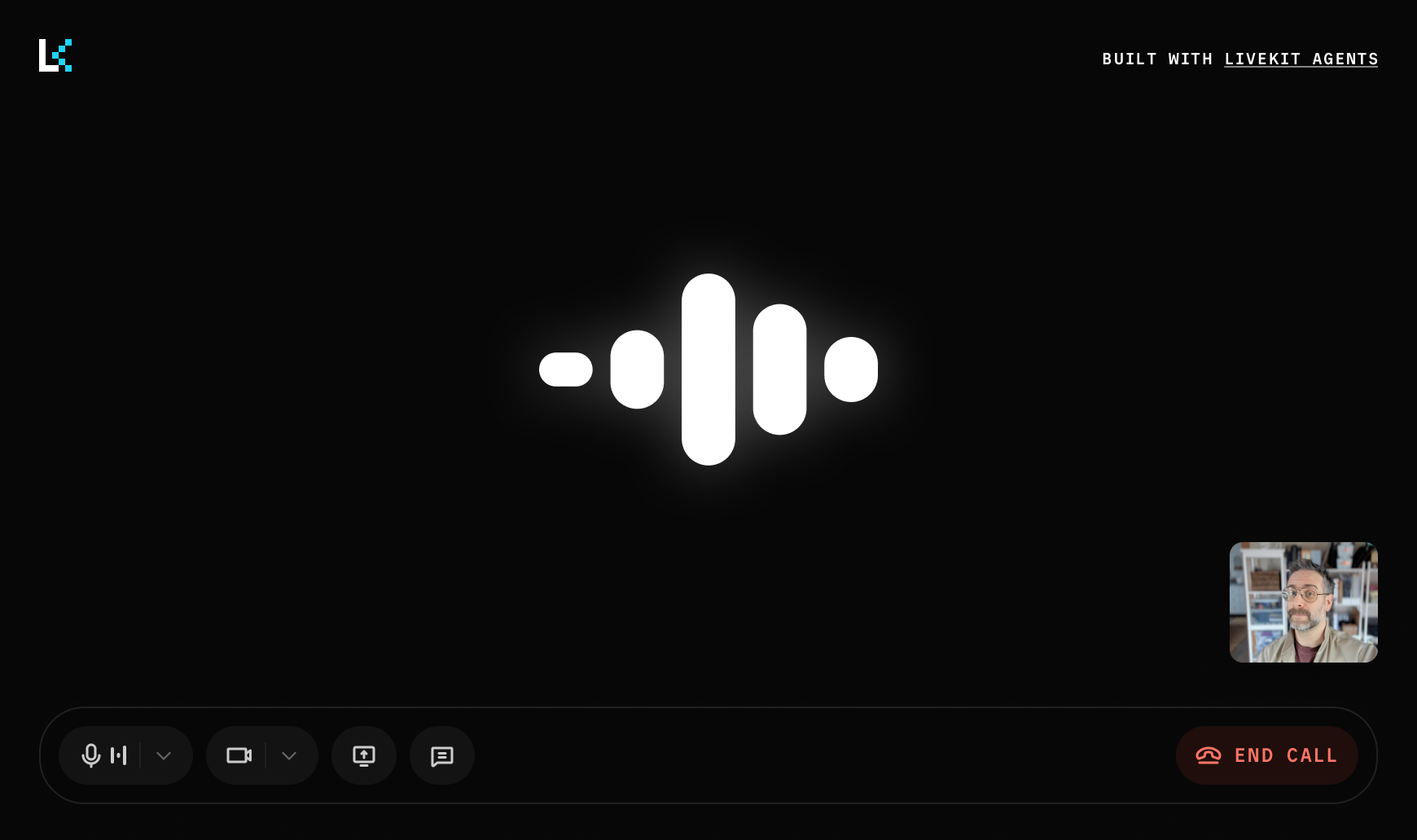
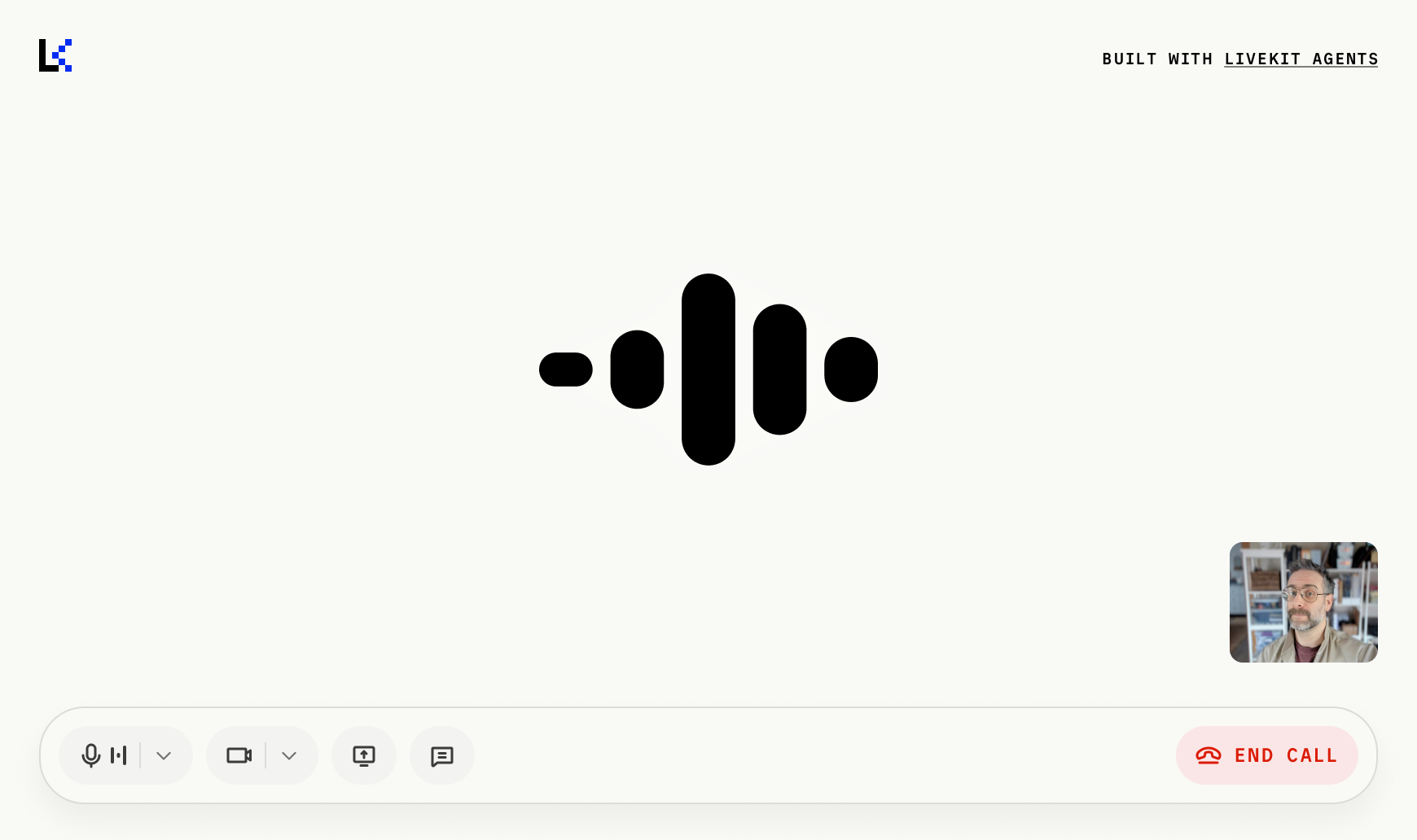
Agents UI is a component library built on top of Shadcn and AI Elements to accelerate the creation of agentic applications built with LiveKit's realtime platform. It provides pre-built components for controlling IO, managing sessions, rendering transcripts, visualizing audio streams, and more.
Installation
You can install Agents UI components using the Shadcn CLI. First, set up shadcn in your project:
npx shadcn@latest init
Then add the Agents UI registry and install components:
npx shadcn@latest registry add @agents-uinpx shadcn@latest add @agents-ui/{component-name}
After installation, components are available in your project's components/agents-ui directory with full source code that you can customize.
Agents UI reference
Complete reference documentation for Agents UI components.
GitHub repository
Open source Agents UI component code.
Other UI component SDKs
LiveKit also provides component libraries for other frameworks. While these are not agents-specific, they include useful components for building realtime applications:
| Framework | Description |
|---|---|
| React components | Low-level React components and hooks for building realtime audio and video applications with LiveKit's platform primitives. |
| Swift components | SwiftUI components for iOS, macOS, visionOS, and tvOS applications with native platform integration. |
| Android components | Jetpack Compose components for Android applications with Material Design integration. |
| Flutter components | Flutter widgets for cross-platform mobile and desktop applications. |
In this section
Agents UI organizes components into the following categories. Each category page explains what the components do, when to use them, and includes live previews.
| Category | What it includes | When to use |
|---|---|---|
| Media controls | AgentControlBar, AgentTrackControl, AgentTrackToggle, AgentDisconnectButton, StartAudioButton | Give users control over microphone, camera, session disconnect, and browser audio playback. |
| Audio visualizer | AgentAudioVisualizerBar, Grid, Radial, Wave, Aura | Give your voice agent a visual presence with animated visualizations driven by audio data and agent state. |
| Chat components | AgentChatTranscript, AgentChatIndicator | Display realtime conversation transcripts, text messages, and typing indicators. |